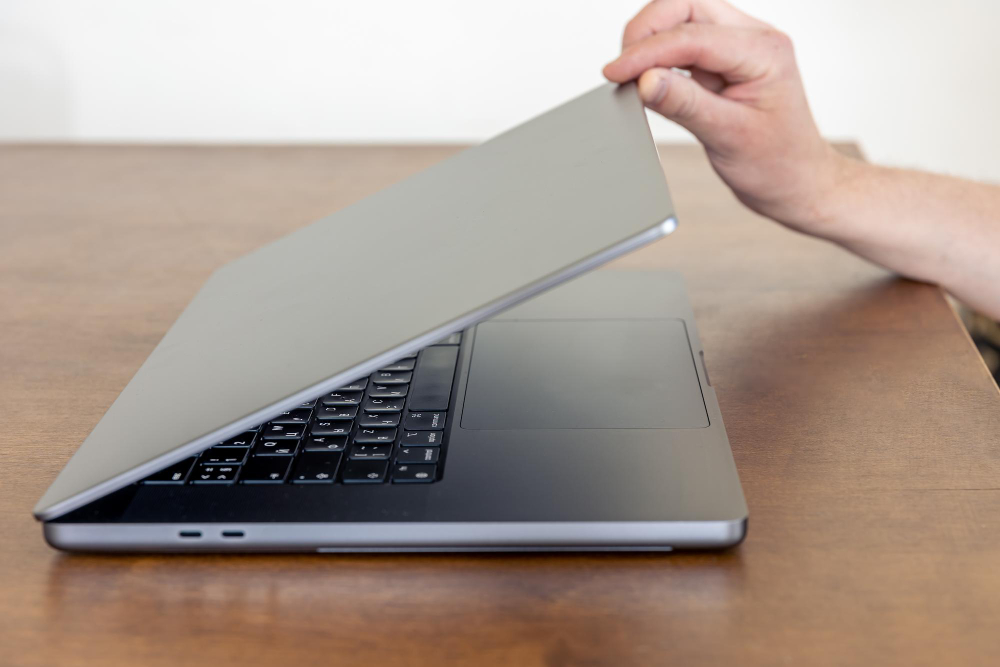
ThinkPad and ThinkBook are two Lenovo laptop families that often appear in the same business conversation. Both can support office work, online meetings, document handling, browsing, accounting software, and team productivity. The difference is in the type of buyer they are usually built around. ThinkPad leans toward traditional business reliability, while ThinkBook often appeals to professionals and SMEs that want a modern work laptop with practical value.
ThinkPad has a long reputation among business users. Many buyers compare it for durability, keyboard comfort, security features, and dependable performance over long workdays. It is often selected by people who type heavily, travel for work, manage sensitive documents, or need a laptop that feels stable for years of office use. The design may be more conservative, but that is part of the appeal for many business buyers.
ThinkBook sits in a slightly more flexible position. It can suit small business owners, freelancers, executives, and professionals who want a capable productivity laptop without necessarily choosing the most enterprise-focused model. ThinkBook laptops can look modern, handle daily work smoothly, and fit buyers who want business features but still need to manage budget carefully.
For Malaysian SMEs, the choice often depends on the team. A company buying laptops for admin staff may value cost, warranty, and standardised specifications. A sales team may care more about weight, battery life, and online meeting performance. A manager may want stronger build quality and comfort. The best business laptop is the one that reduces friction during the workday.
Readers comparing Lenovo choices more broadly can start from the Lenovo Laptop Malaysia overview, then narrow the decision by work style. ThinkPad is usually the stronger choice when durability and business trust are high priorities. ThinkBook is useful when buyers want a professional laptop that balances design, performance, and price.
What business buyers should compare
Keyboard quality matters for office work because many users type for hours. Port selection also matters because teams may connect projectors, external monitors, storage devices, printers, or network accessories. Battery life is important for meetings and mobile users. Security features become more important when staff handle customer data, company documents, or remote work access.
Performance should be matched to the actual job. A staff member who uses spreadsheets, browser systems, and email may not need a gaming-level specification. A user who runs heavier software, handles large reports, or keeps many applications open may need more RAM and stronger processing. Buying too low can create frustration, but buying too high across an entire team can waste budget.
Refurbished ThinkPad or ThinkBook units can be attractive because business laptops are often built to a higher durability standard. Still, buyers should not choose only by model name. Condition, battery, screen, keyboard, storage health, testing, and warranty should all be checked. IU Computer positions itself around inspected and tested used computers, which is useful for buyers comparing Lenovo Laptop Malaysia options for office or SME use.
For teams buying several units, support matters as much as the first purchase. A cheaper laptop is not truly cheaper if it causes downtime or needs frequent replacement. A well-matched refurbished business laptop can help control cost while still giving users a proper work machine. That balance is why ThinkPad and ThinkBook are often compared carefully before purchase.
Students and home users may not need the same business-focused features. They may be better served by IdeaPad student laptop choices if the main use is study, browsing, and daily tasks. Business buyers, however, should give more weight to reliability, keyboard comfort, warranty, and daily productivity under real work conditions.
The decision also changes when laptops are bought for a team. A single user can accept personal preference, but a company needs predictable setup, similar performance, and easier support. If several staff members use the same software and work style, choosing similar ThinkPad or ThinkBook specifications can reduce confusion and make replacement planning easier later.
Buyers should also think about ports and docking habits. Some office users need HDMI, USB-A, USB-C, external monitor support, or wired accessories. A laptop that performs well but needs many adapters may become inconvenient in a busy office environment.
That is why business buyers should compare the whole desk setup, not only the laptop itself.
FAQ
Is ThinkPad better than ThinkBook for business use?
ThinkPad is usually stronger for users who prioritise durability, security, keyboard comfort, and long-term business reliability.
Who should consider ThinkBook?
ThinkBook can suit professionals, freelancers, and SMEs that want a modern productivity laptop with business-friendly features at a practical price.
Do office teams need the same laptop model for everyone?
Not always, but using similar models can make support, setup, training, and warranty planning easier for small teams.
Can refurbished business laptops be practical?
Yes, refurbished business laptops can be practical when condition, testing, warranty, and expected workload are clearly understood.