Choosing a Lenovo laptop in Malaysia starts with a simple question: what will the laptop actually do every day? Many buyers begin by comparing prices, but price alone can be misleading. A low-cost laptop may be fine for browsing and assignments but frustrating for heavier work. A powerful gaming laptop may perform well but feel too heavy and expensive for a student who mainly needs online classes and documents.
The better starting point is the user. A student may need portability, battery life, webcam quality, and enough speed for learning platforms. An office user may need keyboard comfort, reliability, Microsoft Office, email, browser tabs, accounting software, and online meetings. A business owner may care about warranty, consistency, and value across several units. A gamer will compare graphics, cooling, display refresh rate, and RAM more closely.
Lenovo makes the comparison easier because the product families are separated by use. IdeaPad is usually the everyday and student-friendly option. ThinkPad is known for business reliability and durable work design. ThinkBook suits professionals and small businesses that want a modern productivity laptop. Yoga is for touchscreen flexibility and 2-in-1 use. Legion is built around gaming and stronger performance.
For readers still comparing the overall Lenovo range, the broader Lenovo Laptop Malaysia overview explains how ThinkPad, ThinkBook, IdeaPad, Yoga, and Legion differ. From there, the buying checklist becomes more focused. Instead of asking which Lenovo is best overall, buyers can ask which Lenovo fits the job, budget, and expected lifespan.
Specifications that matter most
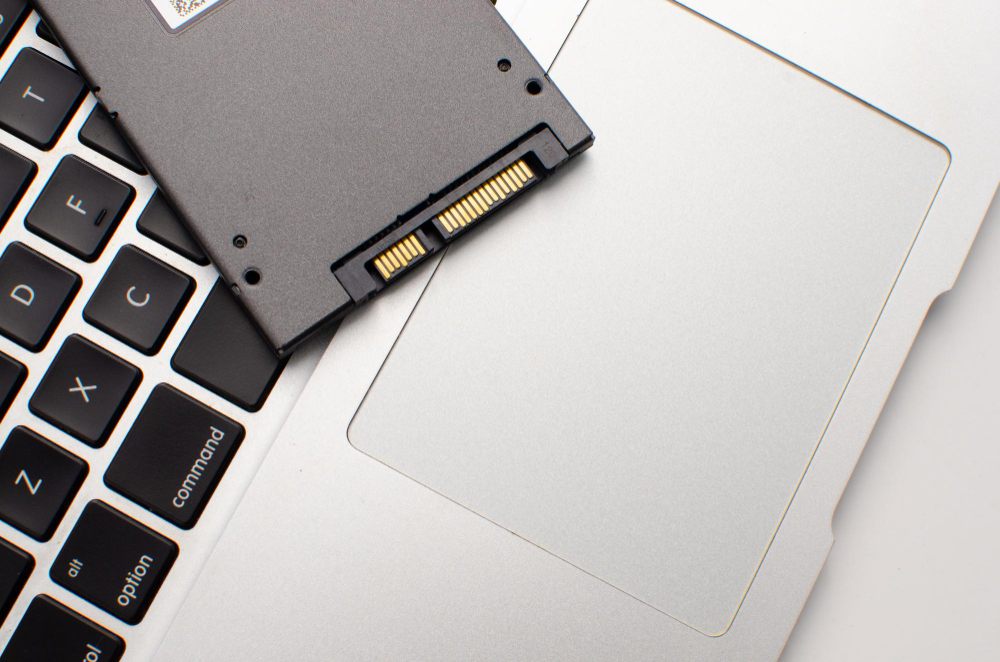
Processor, memory, storage, and display are the four specifications most buyers should understand. The processor affects general speed, multitasking, and how well the laptop handles work over time. RAM affects how comfortably the laptop can keep multiple apps and browser tabs open. Storage affects both capacity and responsiveness, especially when comparing SSD storage with older hard drives. Display quality matters for comfort, reading, video calls, design work, and long study sessions.
For many everyday users, 8GB RAM and SSD storage can make a big difference. For heavier business multitasking, creative work, or gaming, 16GB RAM may be more comfortable. Students who carry laptops daily should also compare weight and battery life. Office users should test keyboard feel where possible because typing comfort matters more than many people expect.
Used and refurbished laptops add another layer to the decision. Condition should be described clearly. Minor cosmetic marks may not affect performance, but battery health, ports, keyboard, screen condition, storage, and hardware testing matter. A seller that checks, repairs, and tests devices before selling can make a refurbished laptop much more practical for budget-conscious buyers.
IU Computer focuses on affordable and practical computers, including used laptops for students, SMEs, office users, and everyday buyers. Buyers who want a direct collection reference can compare Lenovo Laptop Malaysia models and then weigh the series, specification, condition, and warranty together.
Budget should follow the purpose
A useful budget is not always the cheapest number. It is the lowest sensible amount for the user's needs. A student laptop should be affordable but not slow enough to disrupt learning. A business laptop should save cost but not create support problems for the team. A gaming laptop should meet the performance target instead of only carrying a gaming label. When purpose leads the budget, the final choice is usually more satisfying.
Buyers comparing Lenovo for study may continue with Lenovo IdeaPad student laptop options, while business users may compare ThinkPad and ThinkBook differences. A clear path like that keeps the purchase practical and avoids paying for features that will rarely be used.
Another useful habit is to compare the laptop against the next two years, not only the first week. A slightly better processor, more RAM, or larger SSD can be worthwhile if the user expects heavier coursework, more business apps, or a growing workload. On the other hand, paying extra for gaming graphics makes little sense when the laptop will mostly handle documents, video calls, and browsing.
After narrowing the model, buyers should check the practical details: charger condition, keyboard feel, hinge strength, screen brightness, webcam quality, speaker clarity, Wi-Fi stability, and available ports. These small checks often affect daily satisfaction more than a model name printed on the listing.
FAQ
What should buyers decide before comparing Lenovo models?
Buyers should decide the main use first, such as study, office work, business travel, gaming, creative work, or general home computing.
How much RAM is practical for everyday use?
Many everyday users should compare at least 8GB RAM, while heavier multitasking, business work, or gaming may benefit from 16GB or more.
Does storage type matter when buying a laptop?
Yes. SSD storage usually makes the laptop feel faster for startup, file opening, software loading, and general daily use.
Why is warranty important for refurbished laptops?
Warranty gives buyers a clearer safety net when choosing a used or refurbished laptop, especially for business, student, or daily work needs.